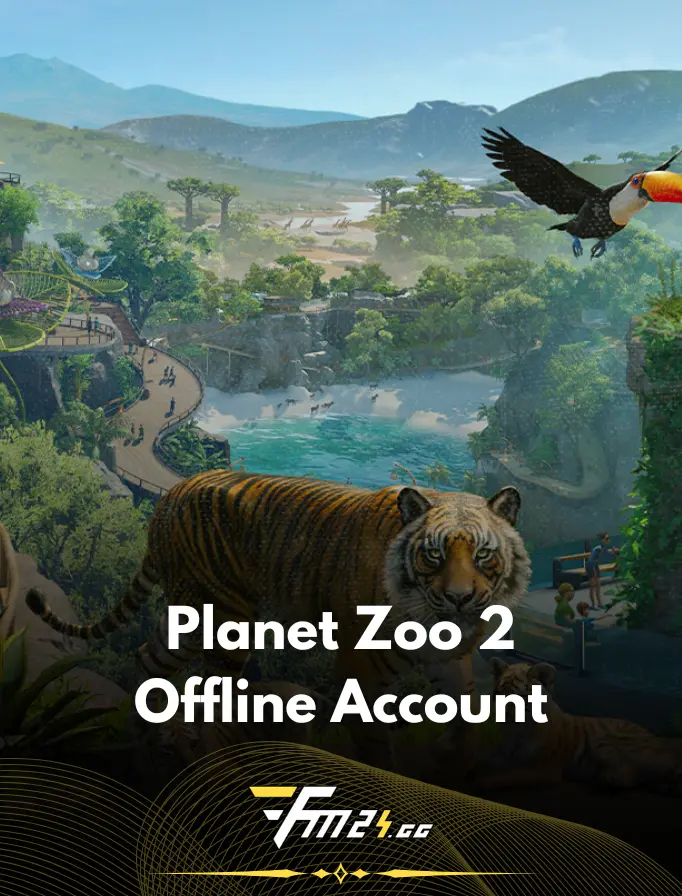
Planet Zoo 2 PC – Offline Steam Account
What you get:
- Login credentials for a shared account with the game
- Detailed instructions on how to log in and install the game
- Support in case of any account issues
- Full refund in case of unresolved account issues
- Offline play on the purchased account, your own save files, uninterrupted gameplay

Any questions? Check our FAQ
Planet Zoo 2 is an expansive simulation game in which players take on the role of managing their own zoo. Your goal is to create a unique park filled with a wide variety of animals, take care of their needs, and provide visitors with exciting attractions. You can design your zoo however you like, from a small wildlife park to a massive complex filled with enclosures and guest facilities.
The gameplay allows you to build and customize animal habitats, create infrastructure for visitors, and manage finances and staff. Each animal has its own needs and behaviors, making it important to provide a suitable environment, proper food, and enough space to live. Players must also keep visitors satisfied, develop the zoo, and ensure its smooth day-to-day operation.
The game stands out with its extensive building freedom, detailed animals, and wide range of management options. Planet Zoo 2 is a great choice for fans of simulation and creative building games who want to create their own zoo and watch it grow alongside its ever-expanding population of animals.
No system requirements provided.
Please read the following rules carefully.
- Definitions:
- Shared Account – an account accessible to multiple users simultaneously, not assigned to a single individual but shared under specific rules.
- User – a person using the shared account.
- Account Usage:
- Upon purchase, the user receives login credentials for the shared account.
- The user is allowed to use the shared account only in accordance with the rules set by the store owner and the service provider to which the account is assigned.
- It is forbidden to change login details, such as the password or the email address associated with the account.
- The shared account cannot be used for commercial purposes, transferred to other people, or resold.
- User Responsibility:
- The user agrees to comply with the terms of service of the service provider whose account is shared.
- The owner of the shared account is not responsible for account suspension or other actions by the service provider if they are caused by the user's activity.
- Updates and Availability:
- The account owner or service provider reserves the right to change login details, which may result in temporary account unavailability.
- In case of access issues, the user is required to contact the store's customer service.
- Warranty, Returns, and Complaints:
- In case of access issues or other technical difficulties, the user should contact the store's technical support.
- The store commits to ensuring account access for the entire rental period, unless a violation of the rules by the user or a change in account details by the owner causes a suspension or temporary suspension of the account.
- Returns or complaints can be filed through any communication method with the store.
- Returns and complaints will be handled according to the store's return policy.
- Termination of Access:
- The store reserves the right to terminate access to the shared account in case of rule violations by the user.
- In case of access termination due to the user's fault, the store is not obligated to refund the purchase costs.
- Changes to Rules:
- The store reserves the right to make changes to the shared account usage rules. These changes will be communicated to users in advance.